
Download Streamable – Fast Free Video Upload & Share Tool
If you’ve ever struggled to find a quick, reliable way to upload a clip and get a shareable link in seconds, Streamable might be the solution you’ve been waiting for. Designed as a lightweight, web‑based video uploader, Streamable promises speed, simplicity, and a handful of on‑the‑fly editing tools without demanding a heavyweight account. In this review we’ll walk through what makes Streamable stand out, the core features you can access for free, how to get started, and whether the paid upgrade is worth the investment. Whether you’re a content creator, social‑media manager, or just someone who wants to share a funny moment from a livestream, read on to discover if Streamable fits your workflow.
Overview – What Is Streamable?
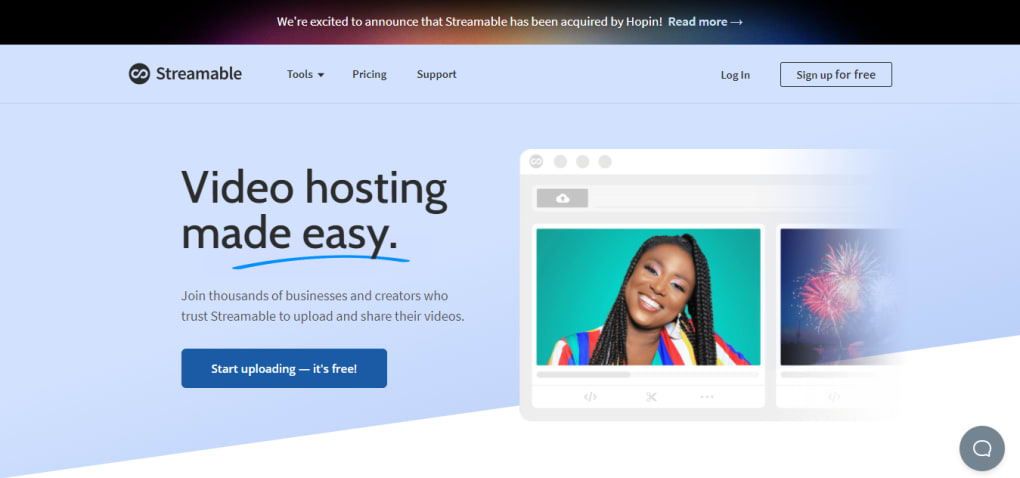
Streamable is a browser‑based video hosting service that markets itself as the fastest and easiest way to upload and share videos online. Unlike traditional platforms that require lengthy registration processes, Streamable lets you drop a file, paste a URL, or drag‑and‑drop directly onto its upload area and receive a short, clean link within moments. The service operates on a freemium model: the free tier offers a 10‑minute video length limit and a maximum file size of 250 MB, while a paid Pro account removes these restrictions and adds longer storage retention.
The platform’s philosophy is centered around minimalism. You won’t find elaborate channel pages, subscription models, or intrusive advertising. Instead, each upload is treated as a stand‑alone asset, perfect for quick sharing on forums, social networks, or messaging apps. Streamable also integrates with a host of partner sites—such as 9GAG, BuzzFeed, Facebook, Flickr, Twitch, Twitter, and YouTube—allowing you to clip videos directly from those sources without first downloading them.
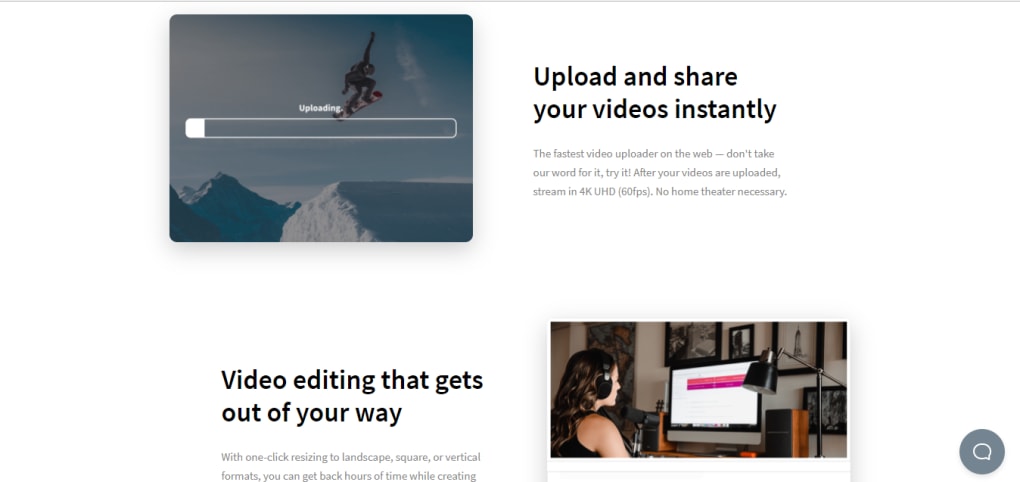
Beyond simple uploading, Streamable provides a modest set of editing tools. Users can trim unwanted sections, crop the frame, or rotate the video before finalizing the link. These tools run entirely in the browser, meaning there’s no need for additional software installations or plugins. For those who need more advanced editing or analytics, the Pro plan unlocks higher‑resolution uploads, custom branding, and extended video retention. Overall, Streamable positions itself as a “lightspeed” video uploader for anyone who wants to bypass the complexity of larger video‑hosting giants while still retaining basic editing capabilities.
Key Features of Streamable
- Instant upload via drag‑and‑drop, file selector, or URL paste.
- Direct clipping from partnered sites (9GAG, BuzzFeed, Facebook, etc.).
- Basic in‑browser editing: trim, crop, rotate.
- Free tier: 10‑minute video limit, 250 MB max size, 3‑month retention.
- Pro tier: Unlimited size/duration, permanent storage on request, no ads.
- Secure HTTPS links with optional password protection (Pro).
- Responsive design works on Windows, macOS, Android, and iOS browsers.
- API access for developers who want to integrate uploading into their own apps.
Each of these features is crafted to reduce friction. The instant URL generation means you can copy the link and paste it into a Reddit comment, a Discord channel, or an email without any extra steps. The editing suite, while not as robust as dedicated video editors, is sufficient for removing dead air or focusing on a specific segment before sharing. For power users, the API opens the door to automated workflows—imagine a bot that captures a live‑stream highlight and posts it directly to a community forum.
The Pro plan adds a few premium touches that can be valuable for brands or frequent creators. Unlimited upload size removes the need to compress videos, preserving original quality. Password protection and custom domain support allow for a more professional presentation. While the free version already covers the basics for casual users, the upgrade is priced competitively and can be justified if you rely on Streamable for regular content distribution.
Installation & Usage – How to Upload, Edit, and Share
Getting started with Streamable is remarkably straightforward because there is no software to install. Simply open your preferred web browser on Windows, macOS, Android, or iOS and navigate to streamable.com. The homepage presents a prominent blue “Upload” button. Clicking it opens a file picker, but you can also drag a video file directly onto the button area for an even quicker experience.
If you have a video hosted elsewhere, copy its URL and paste it into the “Paste a link” field. Streamable will fetch the video, process it on its servers, and present you with the same editing screen you’d see after a local upload. The editing interface is intentionally simple: a timeline for trimming, handles for cropping, and a rotation toggle. After making adjustments, hit the “Create Video” button. Within seconds, a unique short link (e.g., https://streamable.com/xyz123) is generated, ready to be shared.
For users who prefer to keep track of their uploads, creating an account is optional but recommended. With a free account you gain a personal dashboard that lists all your videos, lets you delete or rename them, and shows view statistics. Pro accounts unlock additional dashboard features such as custom thumbnails, analytics, and the ability to set expiration dates or password protection.
Because the platform runs entirely in the cloud, there’s no need for local storage after the upload finishes. Your video lives on Streamable’s servers, and you can access it from any device simply by visiting the share link. If you’re concerned about privacy, the service uses HTTPS encryption for all transfers, and Pro users can enable additional security measures.
In practice, the workflow looks like this: 1) Choose a video source (local file or URL). 2) Upload or import. 3) Apply optional trims or crops.
4) Generate the share link. 5) Distribute the link wherever you need. The entire process typically takes under a minute for standard‑size clips, making Streamable an excellent tool for time‑sensitive sharing, such as breaking news, gaming highlights, or rapid social‑media content cycles.
Compatibility, Pros & Cons, and Frequently Asked Questions
Supported Platforms (itemprop="operatingSystem")
Because Streamable is a web application, it works on any modern browser that supports HTML5 video—Chrome, Firefox, Edge, Safari, and Opera on desktop, as well as Chrome, Firefox, and Safari on mobile devices. There is no native desktop client for Windows or macOS, nor dedicated mobile apps for Android or iOS, but the responsive design ensures a seamless experience across all platforms. Users on Linux, Chrome OS, or even legacy Windows 7 can still access the service as long as their browser is up to date.
Pros
- Lightning‑fast upload with instant link generation.
- No mandatory account creation for basic usage.
- Simple in‑browser editing tools (trim, crop, rotate).
- Direct clipping from popular social sites.
- Secure HTTPS links and optional password protection (Pro).
- Generous free tier for casual users.
- API access for developers and automation.
Cons
- Free tier limits video length to 10 minutes and 250 MB.
- Videos on the free plan expire after three months.
- No advanced editing (no filters, subtitles, or transitions).
- Lack of native mobile apps may deter some users.
- Analytics are basic compared to dedicated video platforms.
FAQ
Is Streamable completely free to use?
Yes, you can upload videos up to 10 minutes and 250 MB for free. A Pro subscription removes these limits and adds extra features.
Can I edit videos after they are uploaded?
You can trim, crop, or rotate a video before you finalize the share link. Once the video is published, further edits require re‑uploading.
What video formats are supported?
Streamable accepts all common web formats, including MP4, MOV, AVI, and WebM. The platform automatically converts uploads to an optimized streaming format.
How long are videos stored on the free plan?
Free‑tier videos are automatically deleted after three months of inactivity. Pro users can keep videos indefinitely or request deletion at any time.
Is there an API for developers?
Yes, Streamable offers a simple REST API that lets you programmatically upload videos, retrieve links, and manage assets—useful for bots, CMS integrations, and custom workflows.
Conclusion – Should You Choose Streamable?
Streamable excels at what it promises: a quick, hassle‑free way to get a video online and share it instantly. For casual users, marketers, or anyone who needs a reliable “upload‑and‑go” solution without the overhead of a full‑blown video hosting service, the free tier provides ample functionality. The Pro plan adds the only missing pieces—unlimited size, longer retention, and enhanced security—making it a cost‑effective upgrade for power users.
If you value speed, simplicity, and a clean shareable link over advanced analytics or deep customization, give Streamable a try today. Click the button below to start uploading your first video for free, and consider the Pro subscription if you quickly outgrow the basic limits.
Start Uploading with Streamable
Streamable offers a refreshingly fast upload experience and a clean, ad‑free interface. While the free tier’s limits are modest, they’re generous enough for occasional sharing. The Pro plan’s unlimited storage and password protection make it a solid choice for professionals who need reliable, quick video distribution.



.png)



